|
Opening video file in the application |
  
|
|
Opening video file in the application |
|
Before you want to start converting or editing the file, it should be opened in Video Converter. To open the file, please follow one of the ways:
|
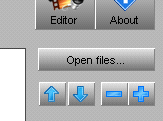
1) Pressing the button "Open files…", you can open one or some files in Video Converter. 2) Pressing the button "Add files" (on the panel it looks like "+"), you will add one or several files to the opened ones. |
||||||||
|
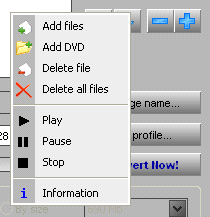
3) While pushing the right mouse button on the list of the opened files, the menu will appear, where you can choose one of the actions:
By means of this menu, you can begin to play the video, suspend it or stop at all. To get more interested information, click "Information". |
All the opened video files are shown in the list "Source file".
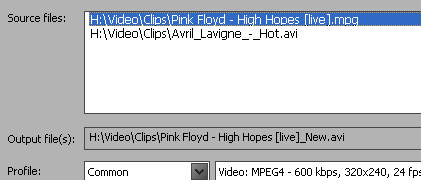
In this list you can choose the file for both: deleting it from Video Converter or playing it.