|
|
Conversion |
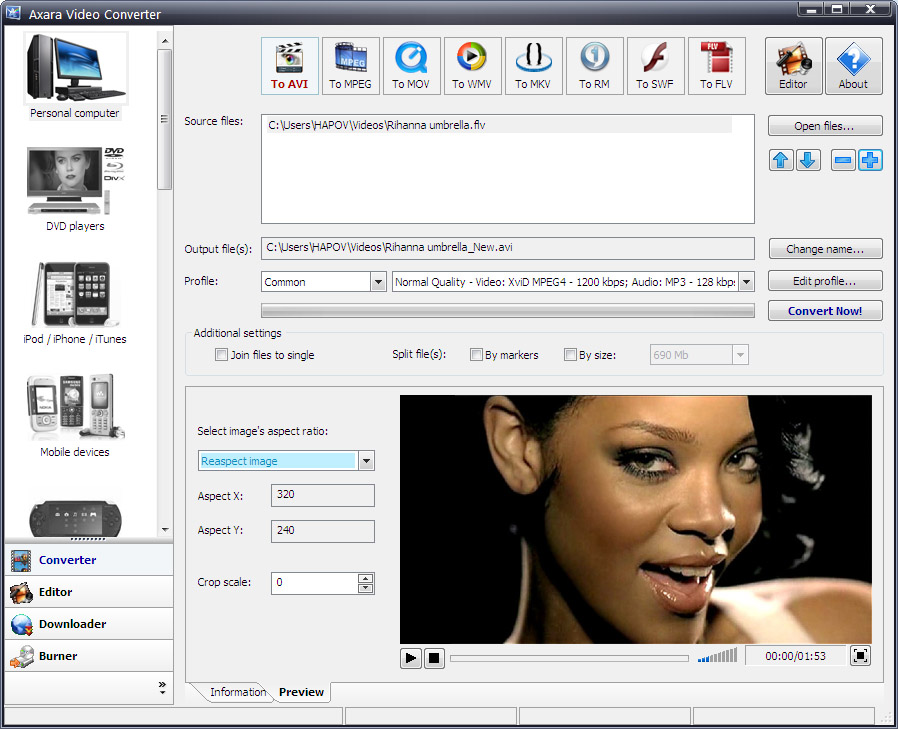
After adding a video file into the program, you need to
choose the quality of the result video for iPod, if you don't, the program
will choose the highest quality itself.
To solve the following problems
DVD to iPad, VOB to iPod
AVI to iPad, WMV to iPod,
MPEG to iPad, DV to iPod,
MKV to iPad, FLV to iPhone,
YouTube to iPod,
Facebook Video to iPod
you don't need any deep knowledge of the program as it has friendly interface
ready to convert a video immediatelly.
At the same time the program has flexible settings & you can fix the type
of output codec MPEG4 or H.264, width, height of the video & other
parameters yourself.
more info
|
|
 |
|
Video Editing |
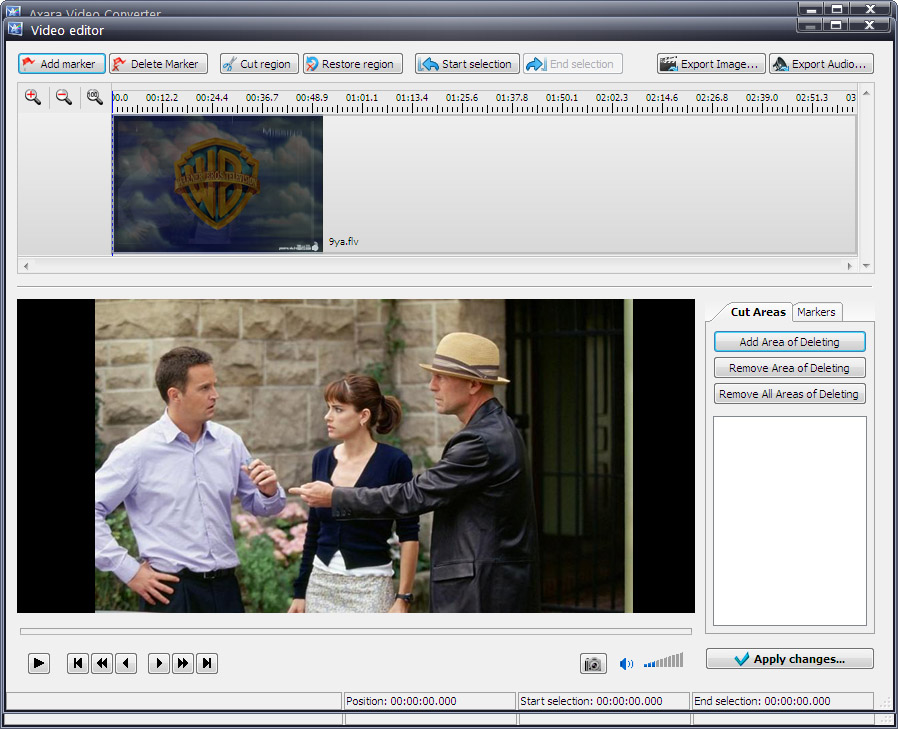
Video Converter has a special instrument, video editor, which
allows you to cut some fragments, you don't want to see in the result video.
For example, you can cut the beginning & the ending of the subtitles of the video or
cut out the advertisement.
more info
| Downloading videos from sites |
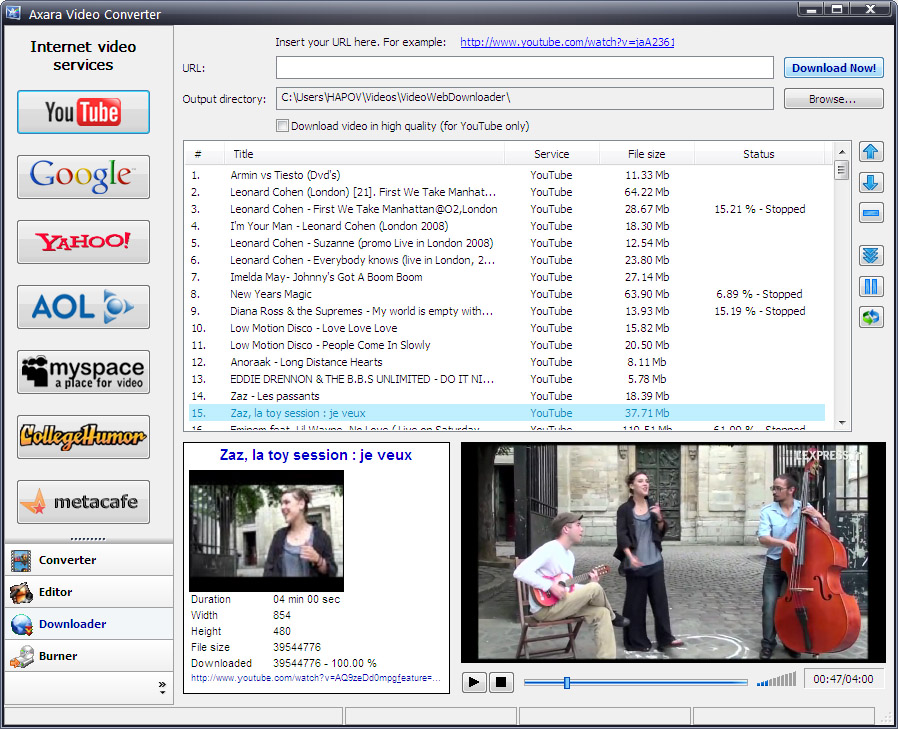
In contrast with other video applications such as video converters and
DVD rippers, our Video Converter is a full variant, as it does not only convert the video files,
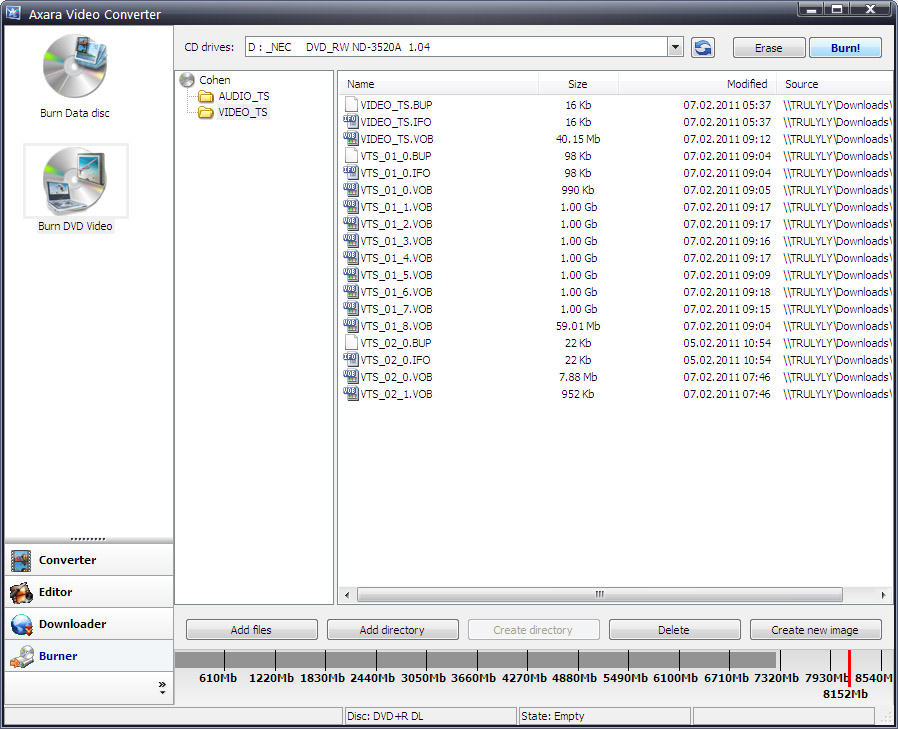
but also it can download videos from different YouTube-like site, can create DVD and burn it to disc.
|